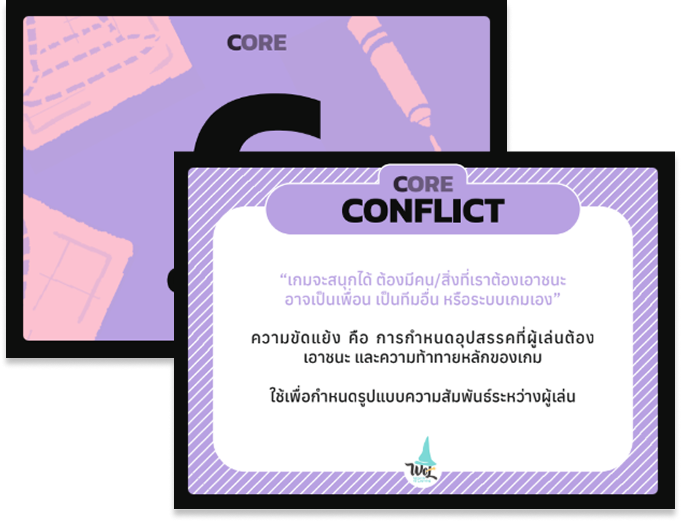
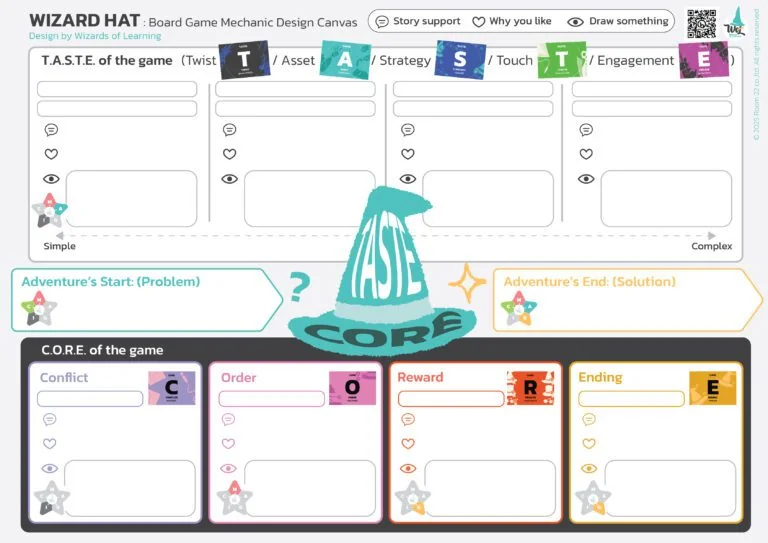
C.O.R.E.
Shape the game around its challenge, turn order, goal and ending. Decide whether players compete, cooperate or take on the game itself.
TOOLKIT · Game design
Turn something worth sharing into something people can play.
A deck of 50 game mechanic cards across nine categories for teachers, facilitators and aspiring designers. Use it to structure a game, shape the player experience and make a prototype.
Check the shop for pricing and ordering details.
THE EXPERIENCE
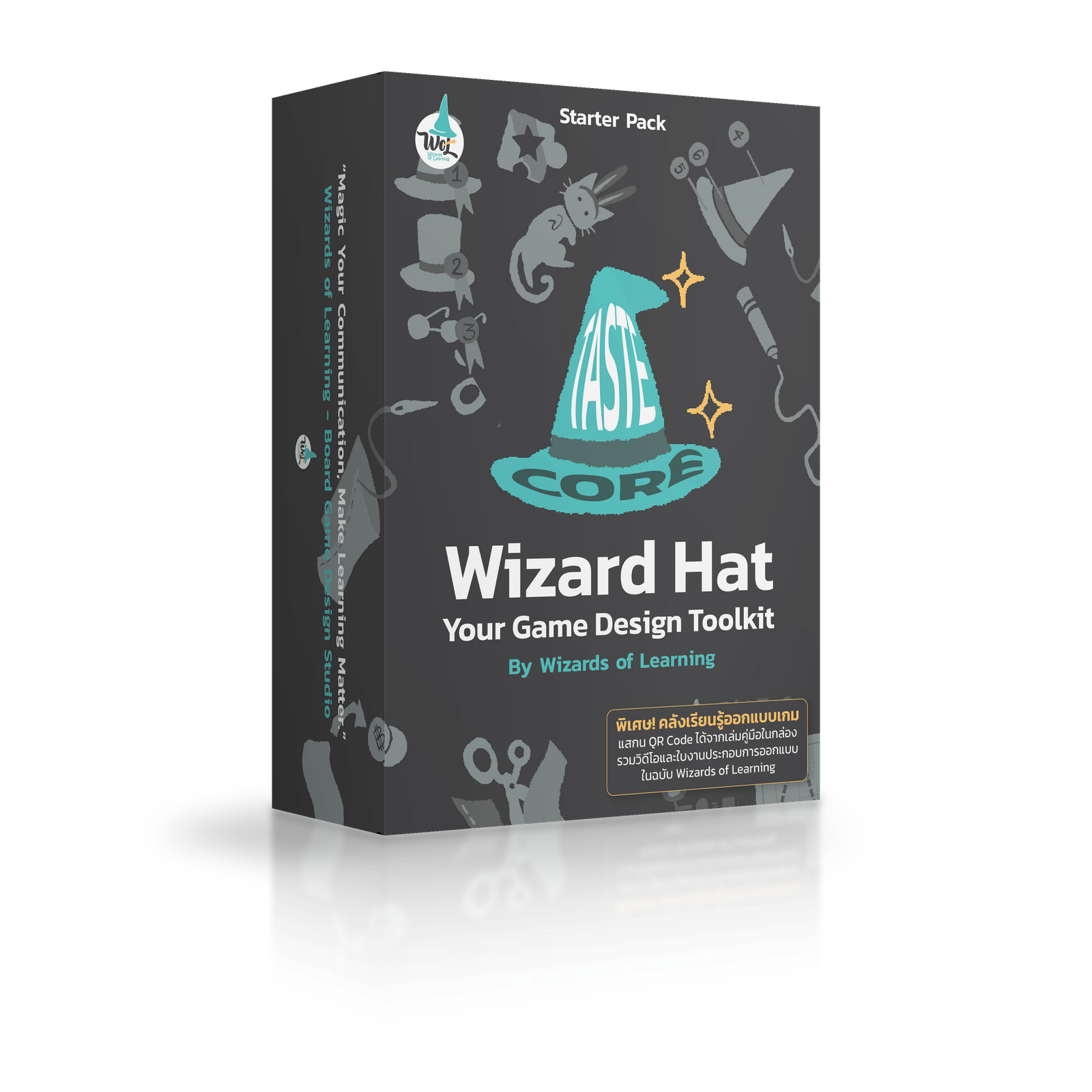
Wizard Hat is a toolkit for exploring 50 game mechanics in nine categories. It helps educators, facilitators and designers start with an idea they want to communicate and consider what players might do or decide.
Use the cards to compare approaches, share ideas and make a simple prototype. Try it, observe the experience, and revise the design to better communicate your intention.
Identify the situation or decision you want players to experience.
Choose a mechanic, make a simple prototype and use observations from play to revise it.
Teachers and facilitators turning lessons into activities, families making games with children, and designers exploring ideas for a prototype
Game-design workshops, classroom activity planning and prototyping
DESIGN WITH WIZARD HAT
Wizard Hat brings together 50 game mechanics across nine categories. Browse the cards or compare them side by side to choose mechanics that give players something to do that fits your design brief.
Shape the game around its challenge, turn order, goal and ending. Decide whether players compete, cooperate or take on the game itself.
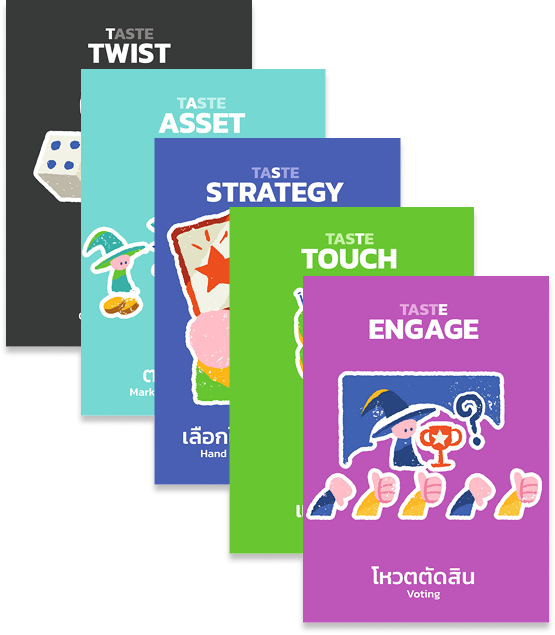
Add uncertainty, resource management, strategy, physical interaction or participation. Try one or two mechanics to see how each changes play.
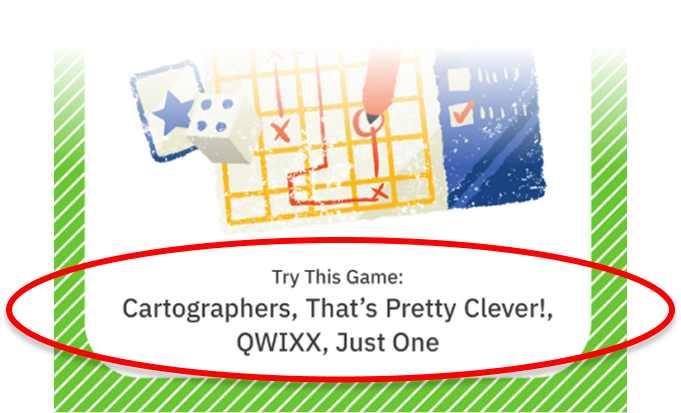
Read the explanation on each card, then see how a reference game uses the mechanic. Examples include Cartographers, Qwixx and Just One.
The set contains 50 mechanic cards and nine category reference cards measuring 63 × 88 mm. Scan the QR card to download the WoL Design Canvas or turn the card over for a sample layout.
For a classroom example, give each player a different piece of information and ask the group to decide together. After testing, ask who spoke, who stayed quiet and how sharing information changed the group’s decision.
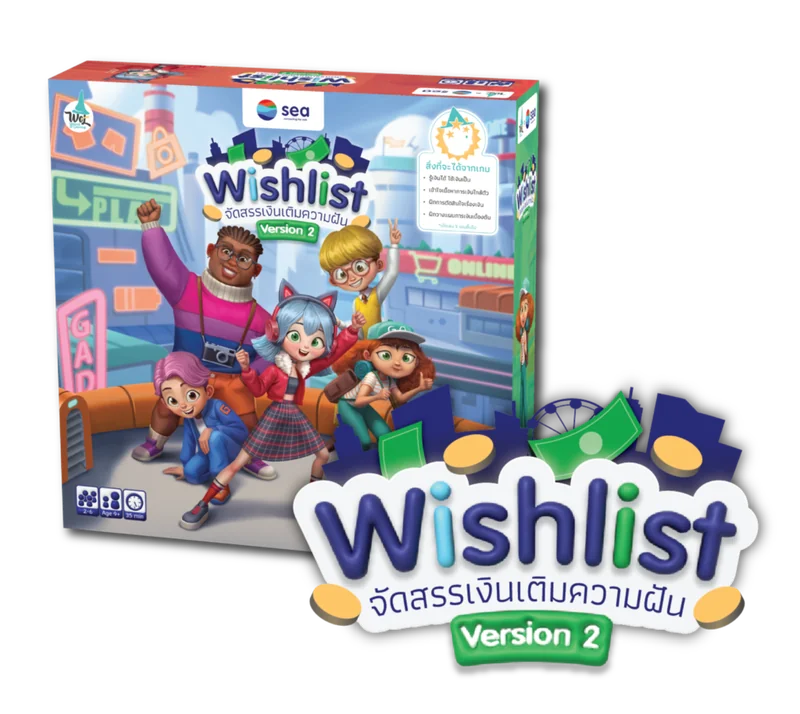
The team used C.O.R.E. to set up a competition around personal financial goals, so winning depended on what players hoped to achieve. A market with changing prices and unexpected events gave players reasons to weigh when to buy, save or change plans.
Read about seven Wishlist mechanics (Thai) ↗Explore Wishlist Version 2 →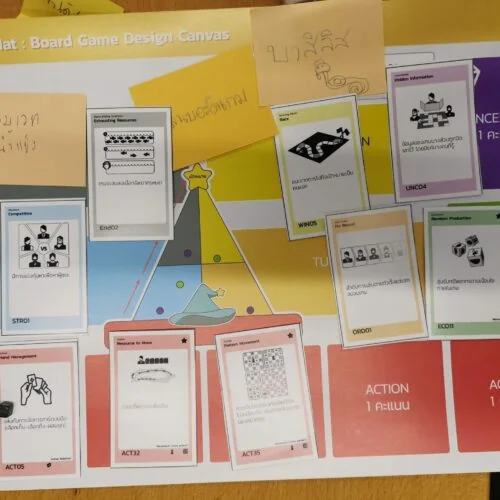
This image from the original page shows cards and notes laid out on a worksheet. In a team, this gives everyone a shared view of the options before deciding what to keep or revise for the next playtest.
See an early example of Wizards of Learning using Wizard Hat in a workshop.
Watch on YouTube ↗Pick a game you like. Notice who acts when, how the game ends and what makes decisions matter. Then adapt one mechanic to fit a brief of your own.
Yes. Start with something you want participants to try, then use the cards to plan how they will act, decide and reflect after the activity.
Open Wizard Hat Playground to find ideas for a prototype
A worksheet for mapping the goal, mechanics and player experience on one page
See the toolkit in use and read workshop participant comments on the WoL website
Wizard Hat in WoL GameLab
LEARNING THROUGH PLAY
Use the experience at the table as a starting point for questions and conversation.
Start with what you want to communicate and identify an experience or decision for players.
Compare how different mechanics invite different actions and decisions.
Play, observe and revise the relationship between your intention and the player experience.
FROM PLAY TO CONVERSATION
For teachers, parents and facilitators. Adapt to your group and time.
Choose a topic to communicate and identify a decision you want players to experience.
Choose a mechanic, make a simple prototype and try it with others.
Discuss whether the actions communicate your intended idea, then revise and try again.
Workshop video
A video showing an early workshop use of Wizard Hat.
Watch the GAMEWAR workshopWizards of Learning · Organizer video
Game design workshop · Early workshop use
Game design case study
The team explains why it chose mechanics for saving, trading and adapting to unexpected events.
Read about the seven Wishlist mechanicsWizards of Learning · Designer case study
Financial game design case · Wishlist design case
MADE WITH CARE
Retail edition credits confirmed by Wizards of Learning.
KEEP EXPLORING
Each game opens another perspective. Find the next question you want to explore together.
Explore all games & toolkits →